Logs
Each block has its own real-time logs, accessible directly from the Logs tab of its configuration panel. No external logging service to configure — everything is built in.
Per-block logs
Click on a block in the canvas, then open the Logs tab to see the live output.
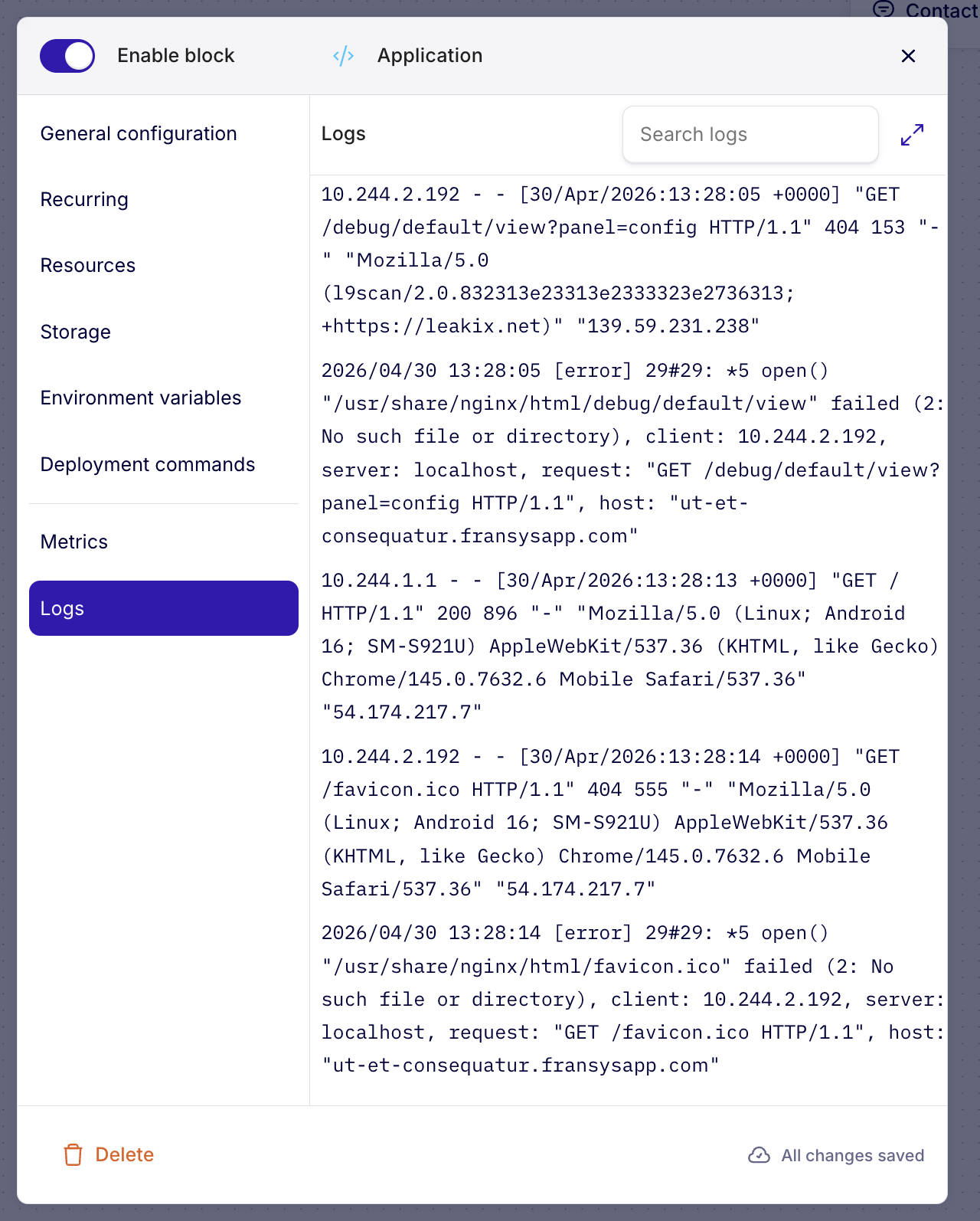
The logs display the standard output of your service — the same logs you would see with docker logs or kubectl logs, but directly in the Fransys interface.
What you see
- HTTP logs — Incoming requests with source IP, method, URL, response code, and user agent
- Error logs — Application errors, missing files, exceptions
- Application logs — Everything your application writes to stdout/stderr
Search
The Search logs field lets you filter logs in real time to quickly find a specific entry — a URL, an error code, an IP.
Debugging
Logs are the first debugging tool on Fransys. When a deployment fails or an application doesn't respond:
- Open the affected block
- Go to the Logs tab
- Identify the error in the output
Check the logs immediately after a deployment to verify your application starts correctly. It's the fastest way to identify a configuration problem or a missing dependency.